
INDUSTRY NEWS · smart lighting interoperability
Why Smart-Lighting Interoperability Is Becoming More Important
Interoperability matters because buyers expect a bulb, app, hub and home-control system to work together, while products can support different protocols and versions. Compare the exact model's connection method, pairing steps and supported ecosystems. Do not infer Matter or other certification from a general smart-lighting description.Local preview · November 12, 2026 · Shieldaily Editorial Team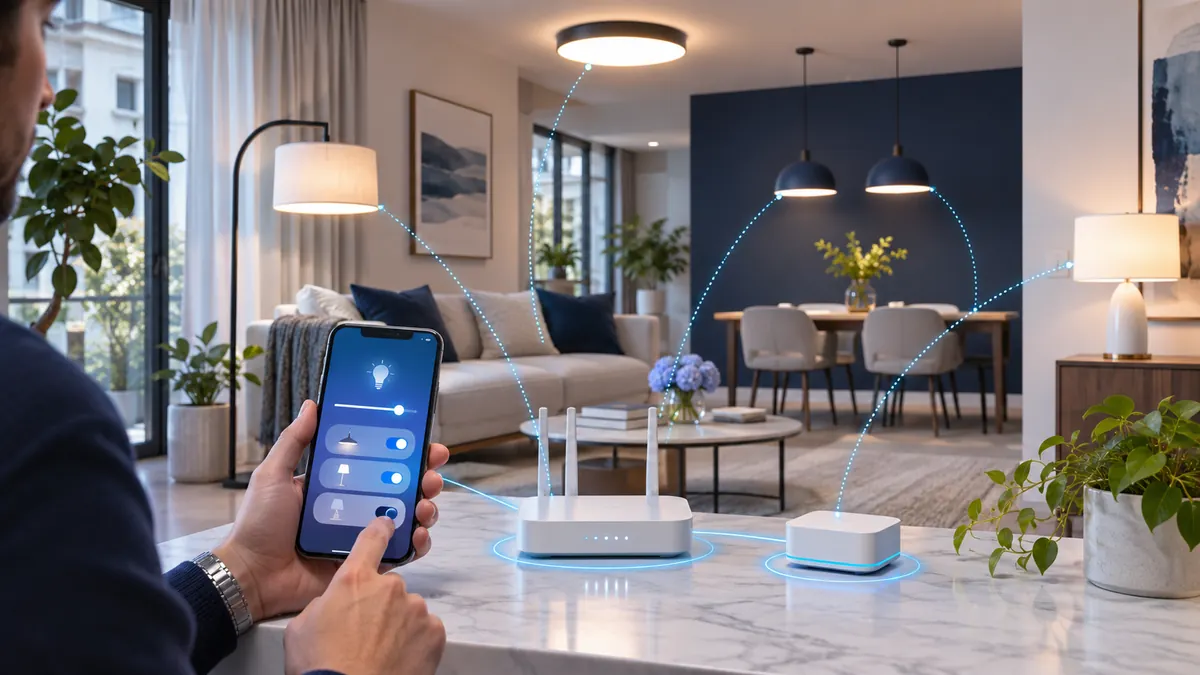
A connected bulb can be technically sound and still disappoint a customer who assumes it works with a different app or hub. Importers and distributors need a precise compatibility statement for the offered model and software version.
The practical test is to set up the bulb with the equipment a customer will use, then repeat pairing, disconnection and reset. This article explains the interoperability questions without treating any protocol name as proof of product support. Documenting the working combination also helps a retailer answer compatibility questions without promising universal support.
Why Smart Lighting Becomes Fragmented
Different products can use different radios, hubs, apps and account systems. Packaging that says only 'smart' does not tell a buyer which combinations work. Ask for a list of tested controllers and software dependencies for the selected SKU. Keep that list tied to a model and firmware version so support staff do not apply it to an unrelated variant.
Related buyer guide: Smart Wi-Fi selection guide
Wi-Fi, Bluetooth, Zigbee, Thread and Matter
Wi-Fi and Bluetooth name communication technologies; Zigbee and Thread describe network approaches; Matter is an interoperability standard and not simply another radio. Each can involve different onboarding and controller requirements. A product may use one technology without supporting every platform built on it. Verify the selected device's actual compatibility and any relevant certification record.
Hub-Based and Hub-Free Products
A direct-connect bulb may need only a compatible router and app, while another product may require a bridge or border router. Check whether that equipment is supplied, sold separately or already present in the customer's installation. State the requirement clearly in retail copy and quotation, then test a first-time setup with the same equipment.
Pairing and Commissioning
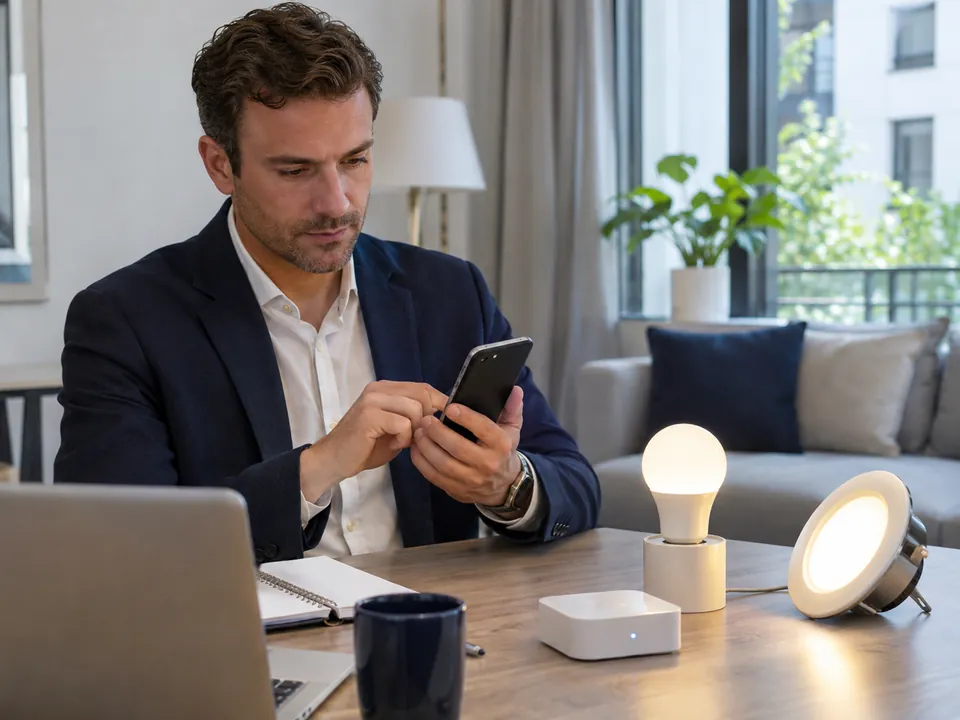
Test the path from an unpaired factory state to working light control. Record reset steps, network requirements, app permissions and what the user sees when pairing fails. For a project, repeat the process with several devices and the intended installer workflow. A quick laboratory demonstration may not reveal the burden of a real retail or site installation.
Related buyer guide: Control methods compared
Multi-Ecosystem Use
Some products can be controlled in more than one system, but the allowed combinations and feature coverage can differ. Ask whether dimming, CCT, scenes, schedules and groups remain available in each supported ecosystem. Do not promise the same experience across platforms without testing the exact model, controller and software versions.
Offline and Local Control
Test what the bulb does when the internet, router or hub is unavailable. Wall-switch operation, local app control and cloud routines may behave differently. Customers need to know which functions are essential and which depend on a service. Record the result in instructions and support material for the actual market.
Reducing Compatibility Complaints
Make product naming, pack claims and setup instructions specific. State supported network requirements, required hub or controller, app name and reset route. Include a practical troubleshooting path instead of a universal-compatibility promise. Review complaint patterns by model so a recurrent onboarding issue can be addressed before range expansion.
Plan the market or application: Residential solution
What Distributors Should Test
Use the intended phone, app, router or hub and a sample from the selected configuration. Test first pairing, grouping, power interruption, internet loss, reset and repeat installation. Retest after material firmware or app changes. Keep the result with the SKU record and check it before artwork is approved.
FAQ
Frequently asked questions
Is a Thread bulb automatically a Matter bulb?
No. Thread is a network technology; Matter support is a separate product and certification question. Verify the selected model.Does Wi-Fi mean the bulb works with every smart-home app?
No. Check the specific app, account and supported integrations for the offered bulb.Why test offline behaviour?
A customer may lose internet or local network access. The test identifies which basic and automated functions remain usable.Should compatibility be retested after a software update?
Yes when the update could affect onboarding or functions. Keep the tested software version with the model record.RELATED RESOURCES
Continue your product review
Wall Dimming vs Step Dimming: Which Method Should Buyers Choose?
Compare wall-dimmer and switch-step LED bulbs, low-level performance, compatibility testing and the specification needed for a wholesale order.Read articleHow to Test a Remote-Control LED Bulb Sample
A practical test sequence for bulb-and-remote pairing, functions, range, multi-bulb control, restart behaviour and selling-unit approval.Read articleRGB vs RGBW vs RGB+CCT LED Bulbs
Compare colour channels, useful white light, controllers and sample tests when choosing RGB, RGBW or RGB+CCT LED bulbs.Read articleHAVE A PRODUCT IN MIND?
Discuss the Requirement for Your Market
Tell us the destination market, product type and question raised by this topic. We can review a relevant model and the information needed for your buying decision.