
INDUSTRY NEWS · LED bulb functional testing
Why Functional Sample Testing Matters as LED Products Become More Complex
As a bulb adds dimming, remote, app or backup functions, a simple power-on check covers less of the customer's experience. Test the selected model in the intended installation, operate each promised function and verify the complete selling unit. Keep the results with the approved sample and written bulk-order specification.Local preview · November 12, 2026 · Shieldaily Editorial Team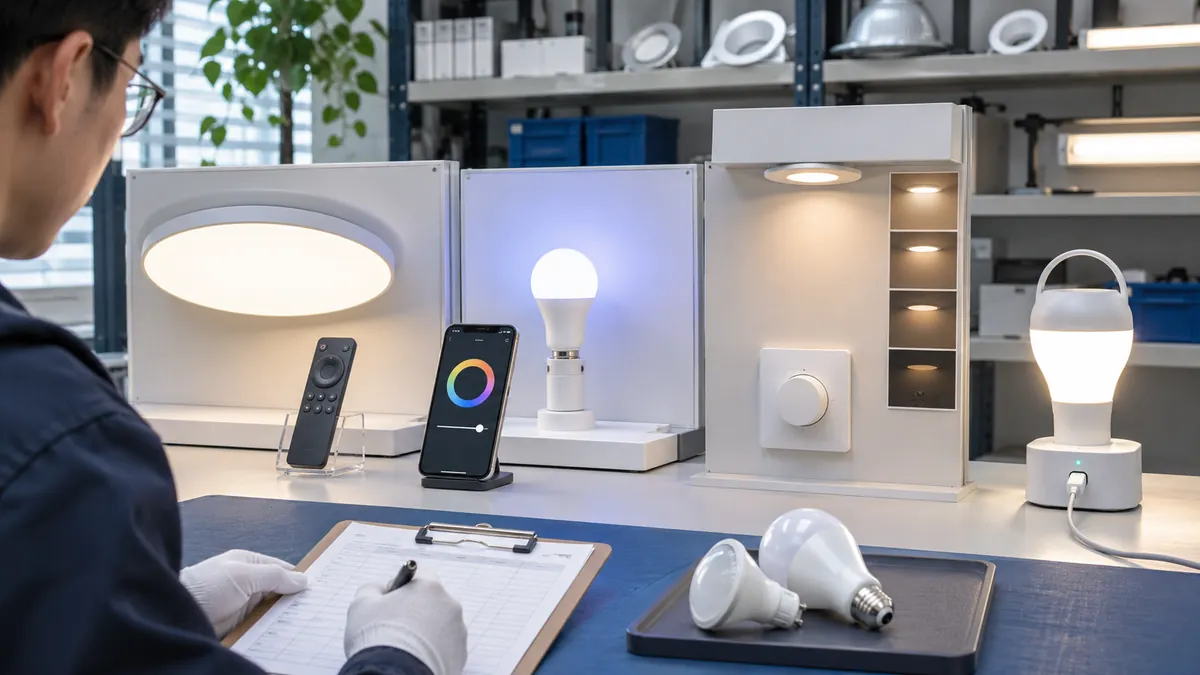
A conventional on/off lamp may be checked with a short electrical and lighting test, but a multi-function product introduces setup steps, controllers and failure states. Buyers should match the test plan to the actual features sold.
That plan need not be complicated for its own sake: it should reproduce what a customer or installer will do, record the result and expose a mismatch before packaging or production is approved. Keep the test record with the quoted configuration so changes to accessories or firmware can be reviewed.
Basic and Multi-Function Bulbs Require Different Tests
Start from the quoted product. A basic bulb needs fit, light and normal operation checks; a remote, smart or emergency model adds its own control and recovery tests. Do not use one generic checklist without identifying the functions in the selling unit. The test record should name the bulb and any controller or app version.
Related buyer guide: Sample approval checklist
Electrical Specifications
Check model, base, voltage, frequency and wattage against the label and quotation. Use a representative fitting and supply. If the product has a driver or battery, identify it as part of the complete configuration. Do not infer the rating of one variant from another's photograph or data sheet.
Lighting Performance
Compare the intended lumens, CCT, CRI and distribution where relevant. Test at normal output and at useful dimmed or emergency modes. A phone image cannot replace a defined performance method. Record the observed light appearance in the same installation for competing candidates.
Remote-Control Functions
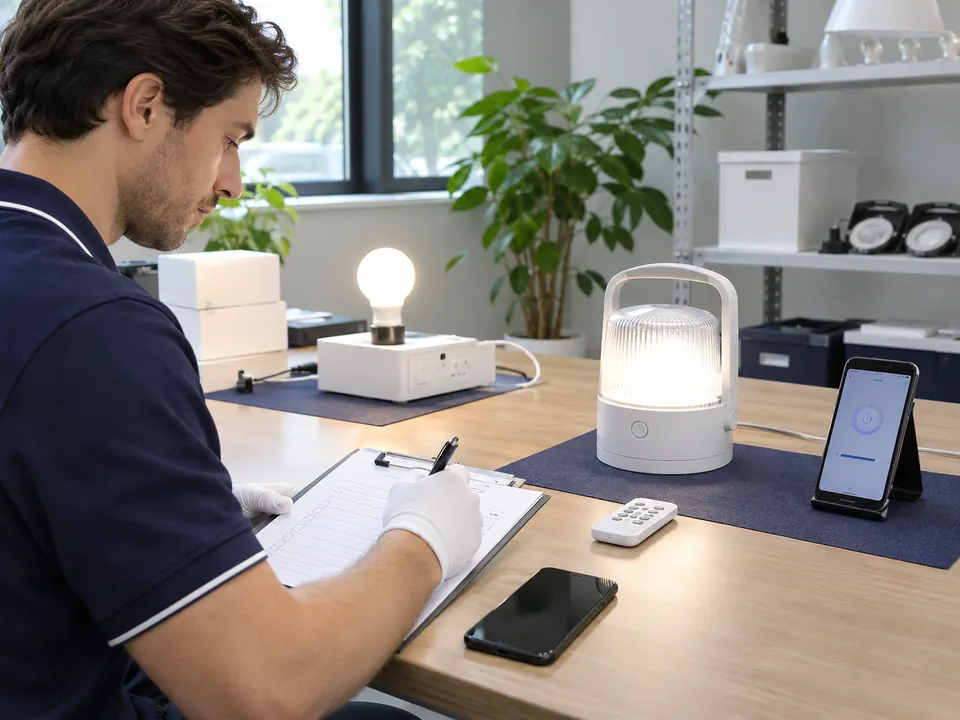
Pair the actual bulb and remote, test every required button, range, grouping and memory, then switch power off and on. Note the remote model and battery. A separate accessory certificate does not establish the function of every bulb paired with it.
Dimming Performance
Test the intended switch or dimmer, low-level start, smoothness, flicker and buzzing. If several lamps share a circuit, test them together. A pass at full brightness is not a complete dimming test. Record the dimmer and lamp count in the approval notes.
Related buyer guide: Remote sample test
App and Network Pairing
Follow the planned customer instructions from a fresh bulb. Check app availability, network requirement, reset, reconnection and offline behaviour. Test groups or schedules only when offered. Keep the software version with the SKU record so a later change can be assessed.
Emergency Functions
Charge the sample as instructed, interrupt power in the intended switch arrangement, observe backup light and measure useful duration at the stated brightness. Restore mains power and check recovery. Runtime without the test mode is not a fair comparison.
Multi-Bulb Operation
Test the number of bulbs or zones the customer will use. Look for synchronized response, pairing limits, load-related dimmer behaviour and recovery after power loss. A single lamp cannot prove a group claim. Specify the controller and installation arrangement in the order brief.
Packaging and Instructions
Count bulbs, remotes, batteries, drivers and manuals in the selling unit. Check that the box claims and setup steps match the tested functions. A working bulb with the wrong battery statement or app QR code is not a complete approved retail product.
Plan the market or application: Quality process
From Sample Approval to Bulk Production
Record the model, function tests, pack contents, artwork and any approved exceptions in writing. Agree the inspection points appropriate to the selected order. Retest if a material component, controller, firmware or package changes before production. Use the approved reference for receiving checks later.
When your brief is ready: Discuss test criteria
FAQ
Frequently asked questions
Is a power-on check sufficient for a smart bulb?
No. Pairing, app setup, network loss and reset are part of the customer experience and should be tested for the selected model.Should an emergency bulb be tested through a full cycle?
Yes. Charge, outage, useful backup light and return to mains operation should be checked under the intended arrangement.When should a multi-bulb test be run?
Whenever the quotation or customer claim depends on several lamps sharing a controller, dimmer or circuit.Does sample approval cover later controller changes?
No. Review a changed controller or firmware against the agreed functions and retest where the customer experience could change.RELATED RESOURCES
Continue your product review
Wall Dimming vs Step Dimming: Which Method Should Buyers Choose?
Compare wall-dimmer and switch-step LED bulbs, low-level performance, compatibility testing and the specification needed for a wholesale order.Read articleRGB vs RGBW vs RGB+CCT LED Bulbs
Compare colour channels, useful white light, controllers and sample tests when choosing RGB, RGBW or RGB+CCT LED bulbs.Read articleHow to Choose Smart Wi-Fi LED Bulbs for Different Markets
Choose smart Wi-Fi bulbs by app experience, network requirements, offline behaviour, market fit and sample testing before a retail launch.Read articleHAVE A PRODUCT IN MIND?
Discuss the Requirement for Your Market
Tell us the destination market, product type and question raised by this topic. We can review a relevant model and the information needed for your buying decision.